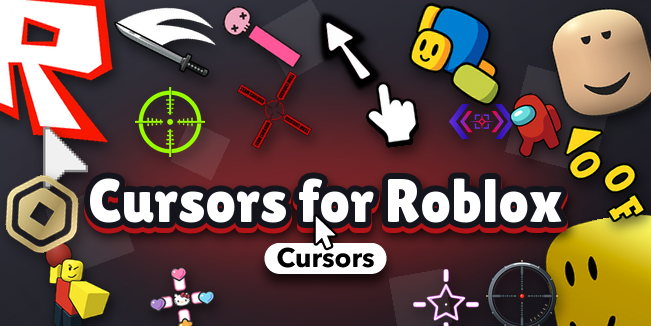
🎯🧱 Every other Roblox cursor pack looks great on your desktop — and then you hit Play and the boring white arrow is right back. This drop fixes that. Custom Cursors for Roblox is the collection built for the game itself: every cursor here ships as a ready-to-use Roblox PNG (ArrowCursor.png + ArrowFarCursor.png, 64×64, transparent), so you drop it into your client and it follows you into Da Hood, Arsenal, Rivals, Brookhaven — wherever you play. Not Roblox-themed. Roblox-ready. 🖱️⚡
What's inside 🔍
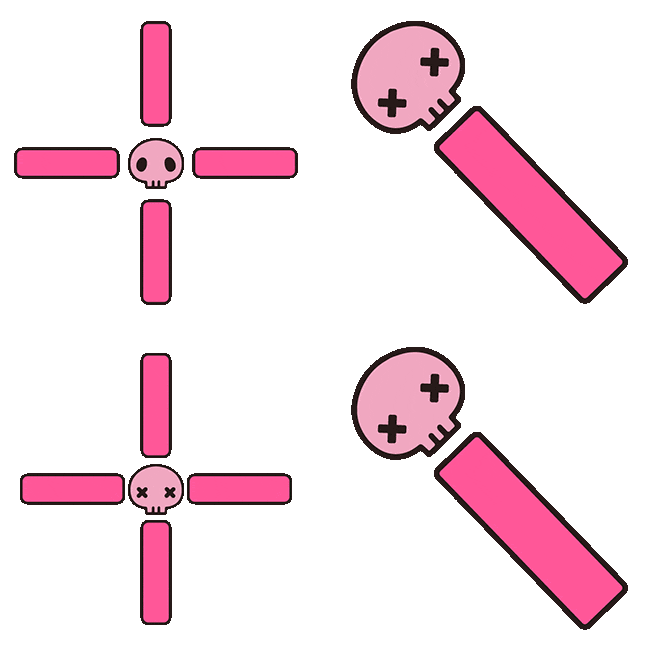
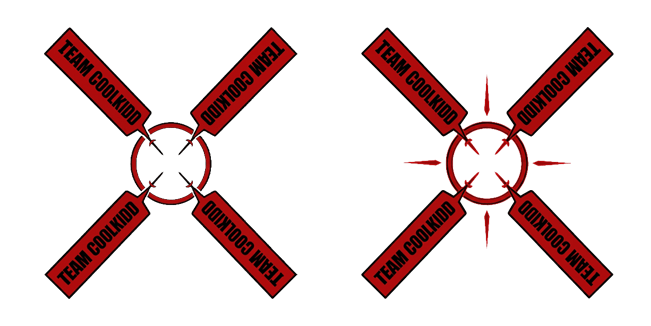
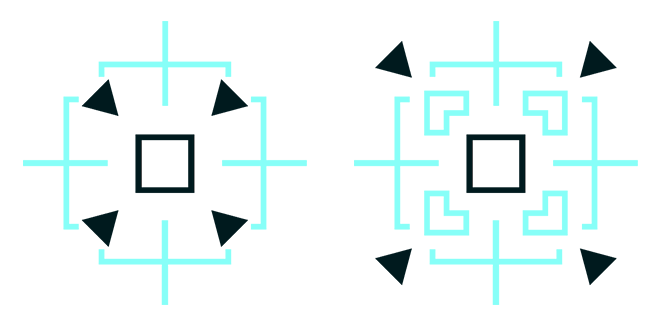
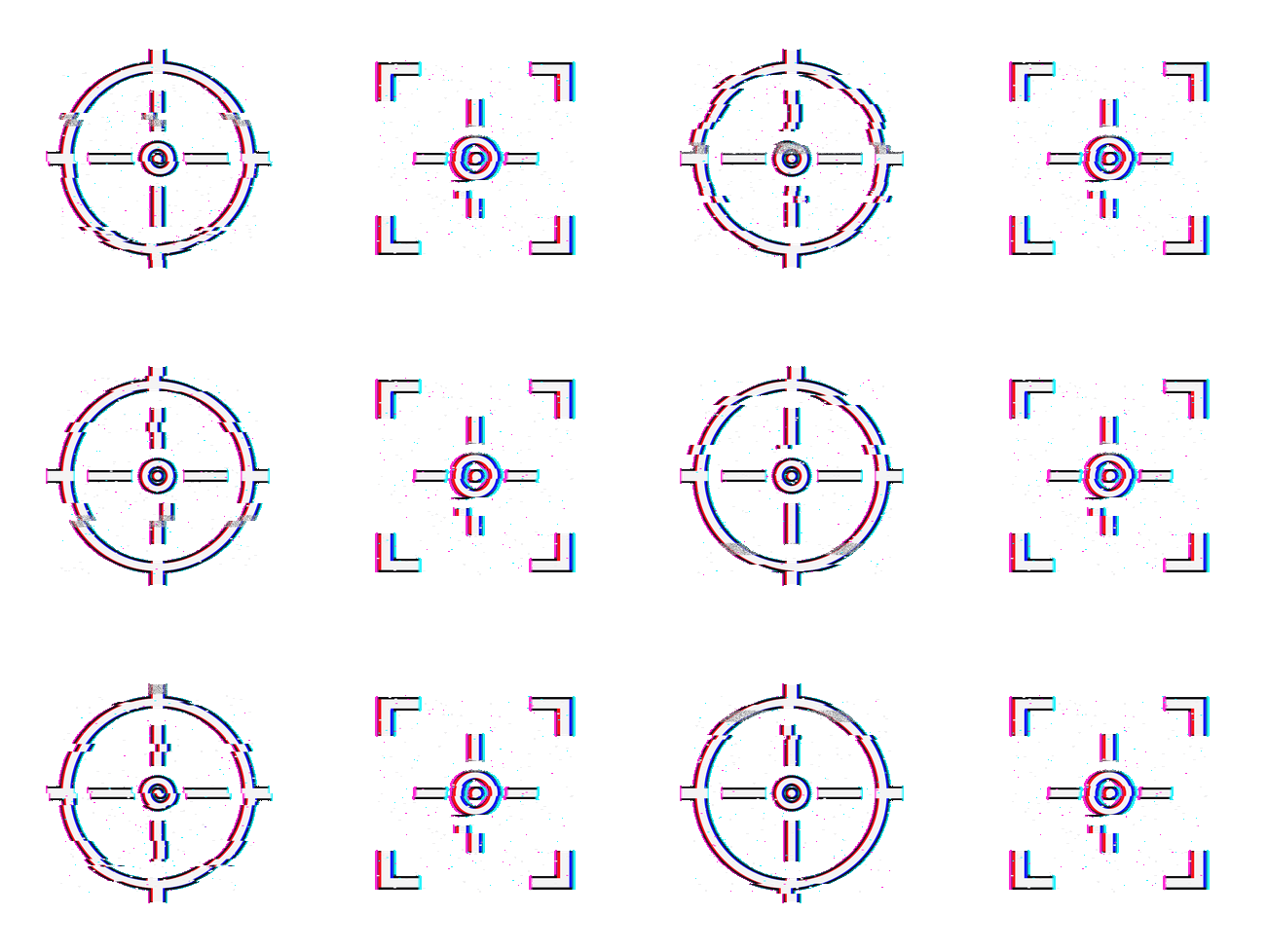
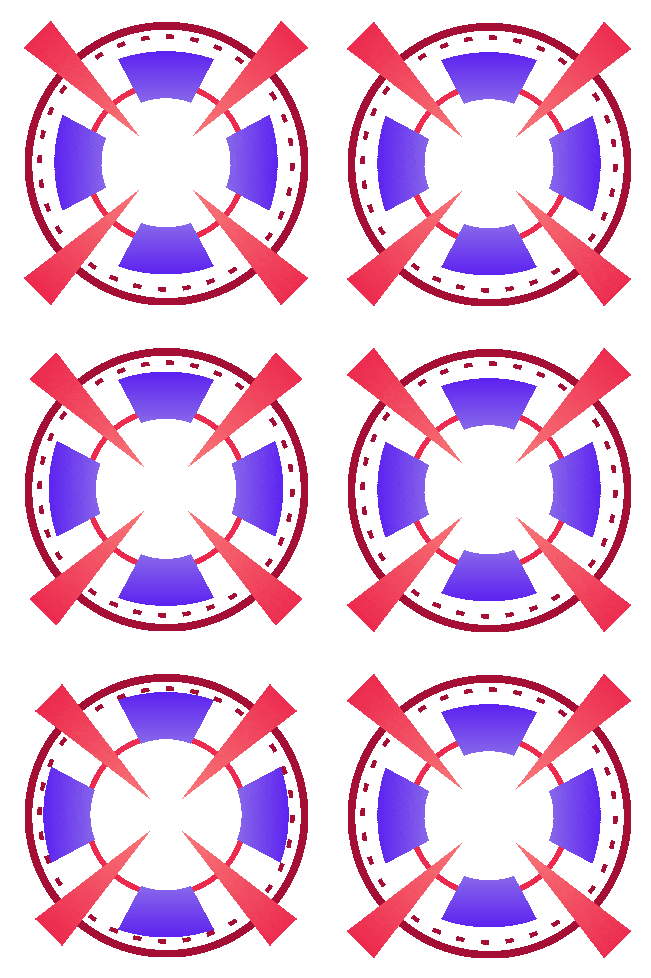
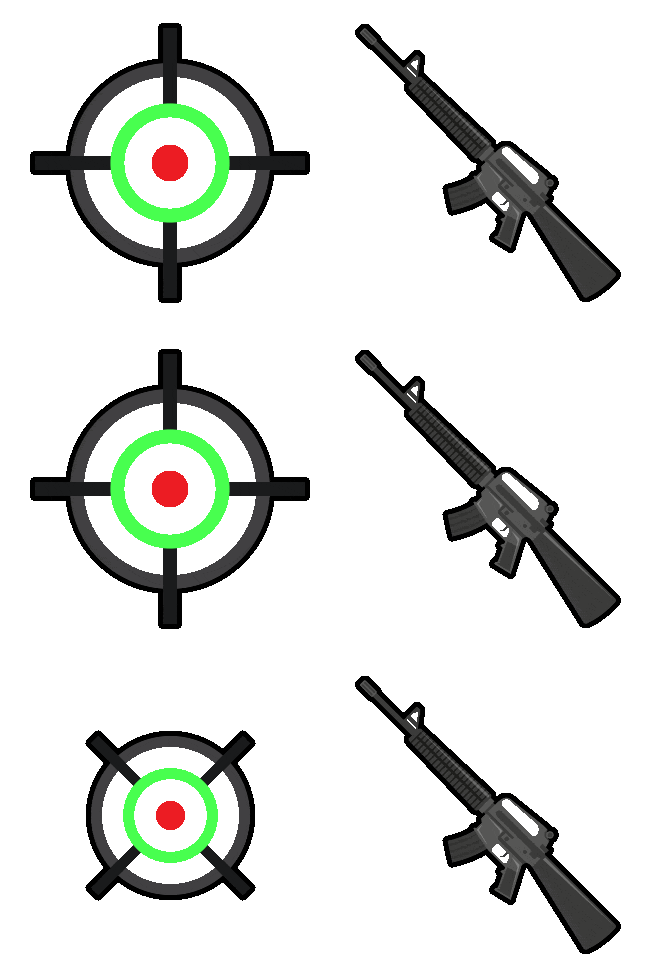
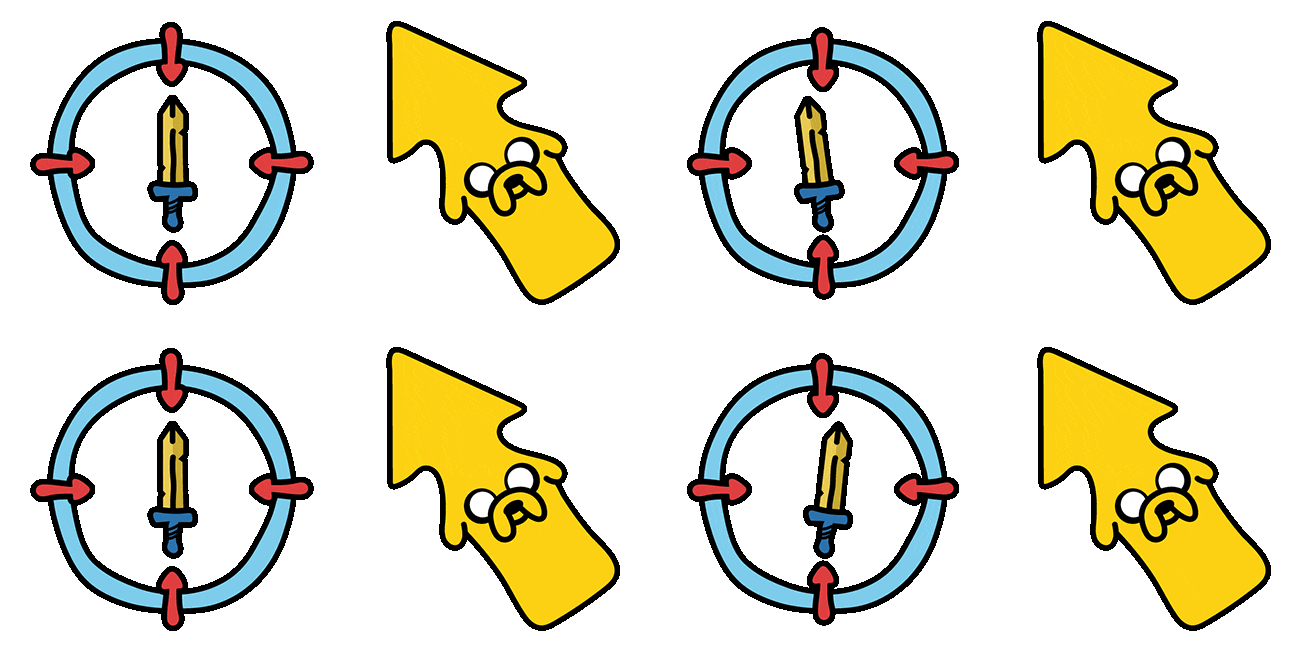
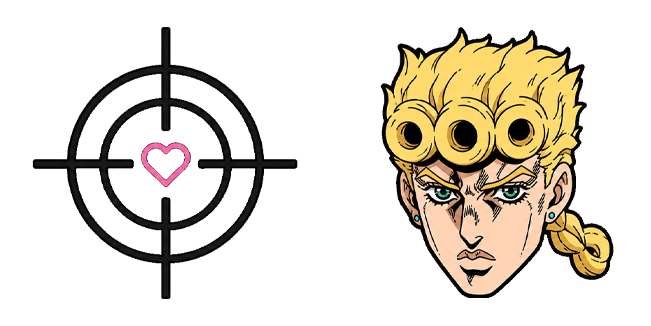
🎯 Crosshairs & Reticles — small, sharp, high-contrast. Green dots, red dots, cyan crosses, dot-in-ring locks and a few kawaii ones for casual servers. A tiny crosshair doesn't hide the enemy's head — that's the whole trick to feeling like your aim got better overnight.
🕰️ Classic & Old Roblox Cursors — the 2006 OG arrow with the long tail, the flat 2013–2021 arrowhead everyone keeps trying to bring back, the 2021 refresh and the modern one. Near + far pairs, redrawn pixel-clean. Pure nostalgia, zero blur.
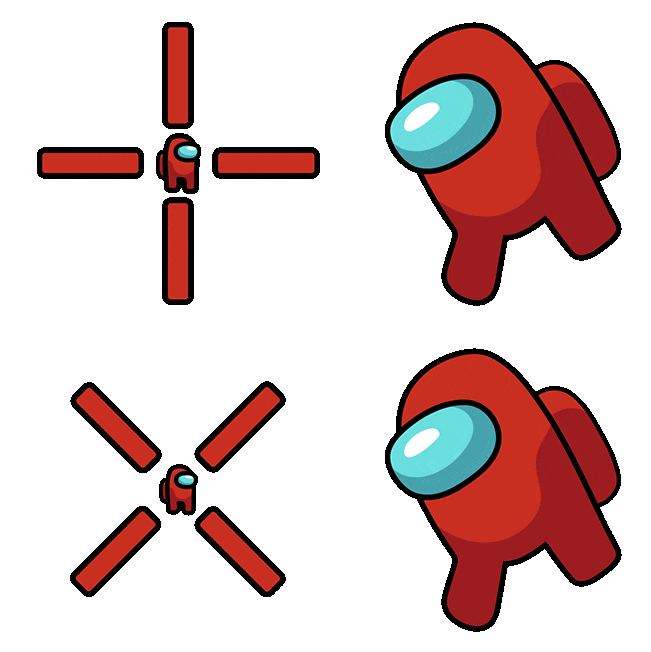
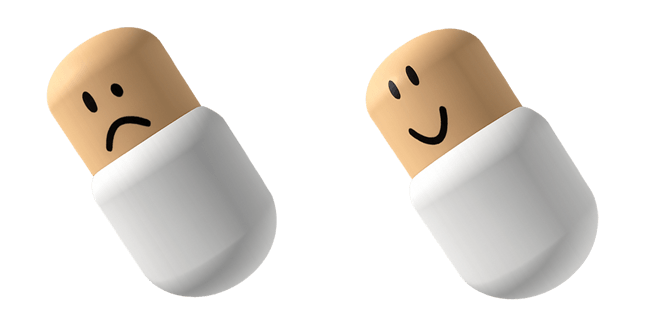
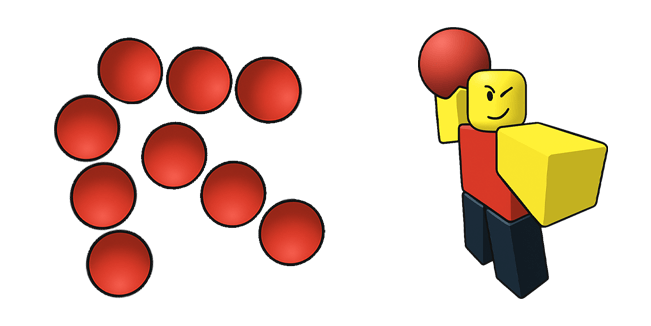
🎮 Game & Character Cursors — Noob, Bacon Hair, Robux, Blox Fruits, Doors, Grow a Garden, Steal a Brainrot, Forsaken and more, all cut to 64×64 so they don't turn into a mush in-game.
Install in 30 seconds 🛠️
- Download the Roblox Cursor .png and Roblox Pointer .png from any card below.
- Close Roblox completely.
- Go to your Roblox folder → content/textures/Cursors/KeyboardMouse/ (Bloxstrap users: put them in your Mods folder with the same path).
- Back up the originals, then replace ArrowFarCursor.png (the arrow you see most of the time) and ArrowCursor.png (the hover one). Names and capital letters matter.
- Launch Roblox. Click. Smile.
Playing a shooter with its own Crosshair / Cursor ID setting? Use our crosshair designs as a reference for your decal, or grab the PNG and upload your own.
Good to know 💡
- Works on Roblox for PC (Windows / Mac client). Mobile, console and the web player draw their own cursor.
- Roblox updates sometimes restore the default files — keep your favorites, re-drop, done.
- In-game cursors are static, so animated designs use their best frame for Roblox. Want the animation too? The Windows .ani and the Sweezy browser extension have you covered on the desktop side.
Why bother? 🤔
Because you spend hours staring at that cursor. A crosshair that fits your game, or an arrow that looks like 2013 again, is the cheapest upgrade in Roblox — and it's free. Pick one, drop it in, and never look at the stock white pointer again. 🧱🔥
![[Bro-Mon] Every Tab Level](https://cdn.sweezy-cursors.com/house-fallbacks/859e10--bro-mon-every-tab-level--adaptive.gif)
![[Bro-Mon] Bro Let's Study](https://cdn.sweezy-cursors.com/house-fallbacks/e02b99--bro-mon-bro-let-s-study--adaptive.gif)
![[Emoji Combos] Funny Emoji Face](https://cdn.sweezy-cursors.com/house-fallbacks/f5dbde--emoji-combos-funny-emoji-face--adaptive.gif)
![[YT Chanel] Watch Us](https://cdn.sweezy-cursors.com/house-fallbacks/e4c125--yt-chanel-watch-us--adaptive.gif)
![[Bro-Mon] Catch Monsters](https://cdn.sweezy-cursors.com/house-fallbacks/1b2f09--bro-mon-catch-monsters--adaptive.gif)
![[Bro-Shop] Stickers](https://cdn.sweezy-cursors.com/house-fallbacks/798efe--bro-shop-stickers--adaptive.gif)
![[YPB] Bongo Cat Vibe](https://cdn.sweezy-cursors.com/house-fallbacks/2167c5--ypb-bongo-cat-vibe--adaptive.gif)
![[Bro-Shop] Tees](https://cdn.sweezy-cursors.com/house-fallbacks/1a210a--bro-shop-tees--adaptive.gif)
![[CD] Nyan Cat Customize](https://cdn.sweezy-cursors.com/house-fallbacks/d20099--cd-nyan-cat-customize--adaptive.gif)
![[Sweezy Walls] Display Light](https://cdn.sweezy-cursors.com/house-fallbacks/fcc147--sweezy-walls-display-light--adaptive.webp)
![[W-Clan] Anya Desk Walls](https://cdn.sweezy-cursors.com/house-fallbacks/aee5d8--w-clan-anya-desk-walls--adaptive.gif)
![[Sweezy Walls] This is Fine](https://cdn.sweezy-cursors.com/house-fallbacks/631627--sweezy-walls-this-is-fine--adaptive.webp)
![[Make it Rain] Emoji Girl](https://cdn.sweezy-cursors.com/house-fallbacks/17e967--make-it-rain-emoji-girl--adaptive.gif)
![[Sweezy Walls] Cute Light](https://cdn.sweezy-cursors.com/house-fallbacks/4b478f--sweezy-walls-cute-light--adaptive.webp)
![[Web Tones] Hi I am Web Tones](https://cdn.sweezy-cursors.com/house-fallbacks/78e959--web-tones-hi-i-am-web-tones--adaptive.gif)
![[Emoji Combos] Aesthetic](https://cdn.sweezy-cursors.com/house-fallbacks/561727--emoji-combos-aesthetic--adaptive.gif)
![[Sweezy Walls Ext] New Tab](https://cdn.sweezy-cursors.com/house-fallbacks/a25278--sweezy-walls-ext-new-tab--adaptive.webp)
![[Sweezy Walls] Dark Anime](https://cdn.sweezy-cursors.com/house-fallbacks/016093--sweezy-walls-dark-anime--adaptive.webp)
![[Sweezy Walls] Dark Gaming](https://cdn.sweezy-cursors.com/house-fallbacks/fdd2ff--sweezy-walls-gaming--adaptive.webp)
![[Ring My PFP] Light](https://cdn.sweezy-cursors.com/house-fallbacks/5381ff--ring-my-pfp-light--adaptive.webp)
![[Ring My PFP] Dark](https://cdn.sweezy-cursors.com/house-fallbacks/07c522--ring-my-pfp-dark--adaptive.webp)
![[Bro-Mon] Tier List](https://cdn.sweezy-cursors.com/house-fallbacks/d1f6e7--bro-mon-tier-list--adaptive.webp)
![[Bro-Mon] Aura Points](https://cdn.sweezy-cursors.com/house-fallbacks/7cf4c0--bro-mon-aura-points--adaptive.webp)
![[Bro-Mon] Rarity Ladder](https://cdn.sweezy-cursors.com/house-fallbacks/511b80--bro-mon-rarity-ladder--adaptive.webp)
![[Bro-Mon] Wanted](https://cdn.sweezy-cursors.com/house-fallbacks/7a7a5a--bro-mon-wanted--adaptive.webp)
![[YPB] Diff Styles](https://cdn.sweezy-cursors.com/house-fallbacks/6cfaf1--ypb-diff-styles--adaptive.webp)